

How to Use.
Learn how to unlock the full potential of VInhance in just a few simple steps.
Installation
Get started by adding VInhance to your browser. It works seamlessly on Chrome, Brave, Edge, and other Chromium browsers.
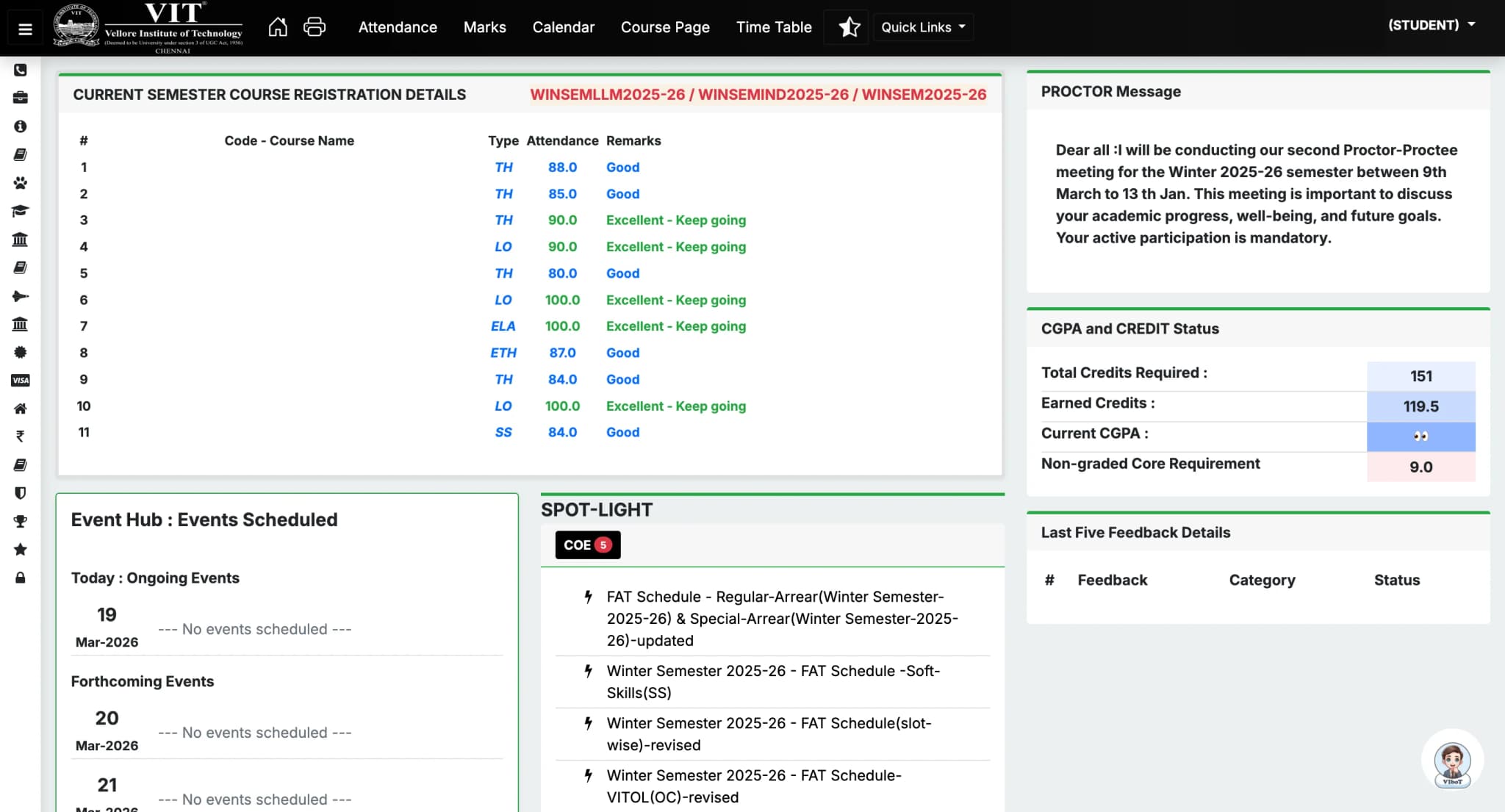
Install from Chrome Web StoreRefined UI & Font Style
Experience VTOP like never before with a modern, high-contrast dark theme and refined typography that makes navigation effortless.
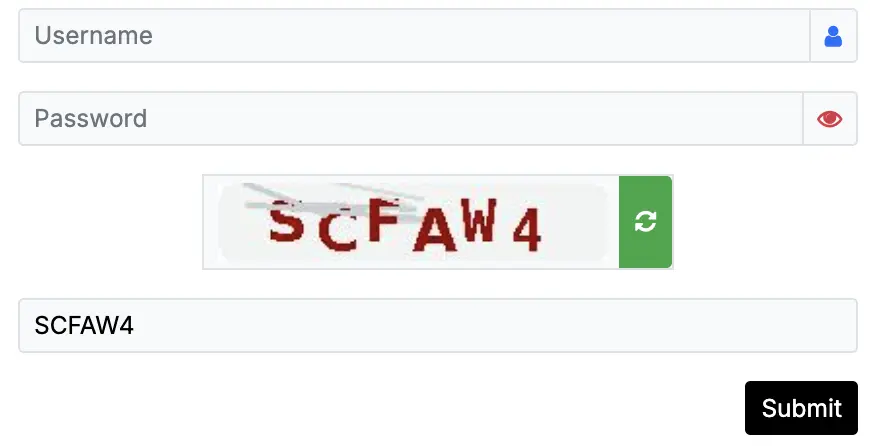
Log in to VTOP
Navigate to your campus VTOP portal. VInhance automatically solves and fills the captcha for you instantly.
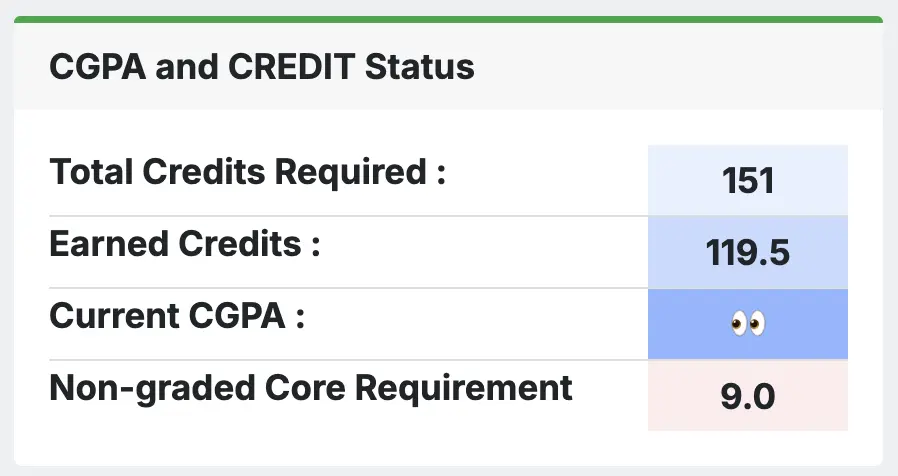
Privacy Protection
Toggle privacy mode to instantly hide your CGPA, grades, and profile details while browsing in public places.
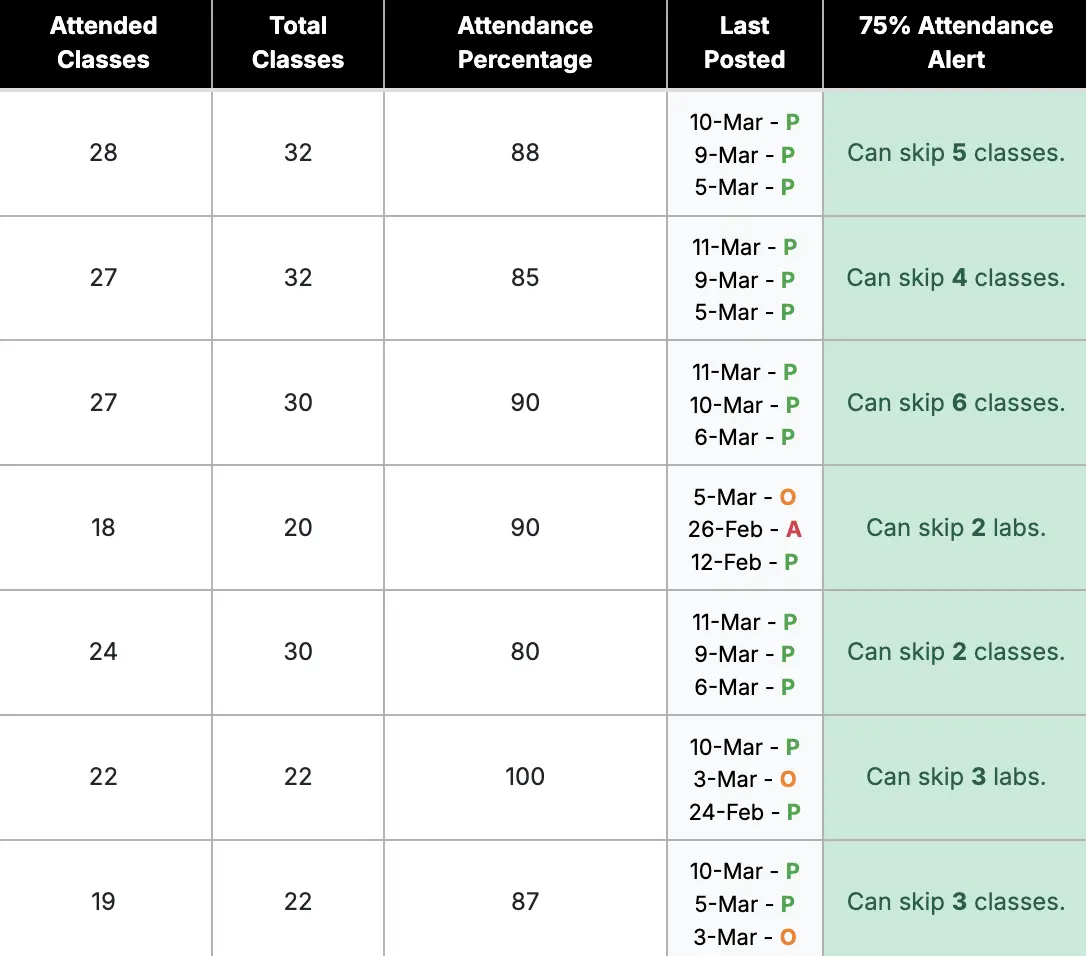
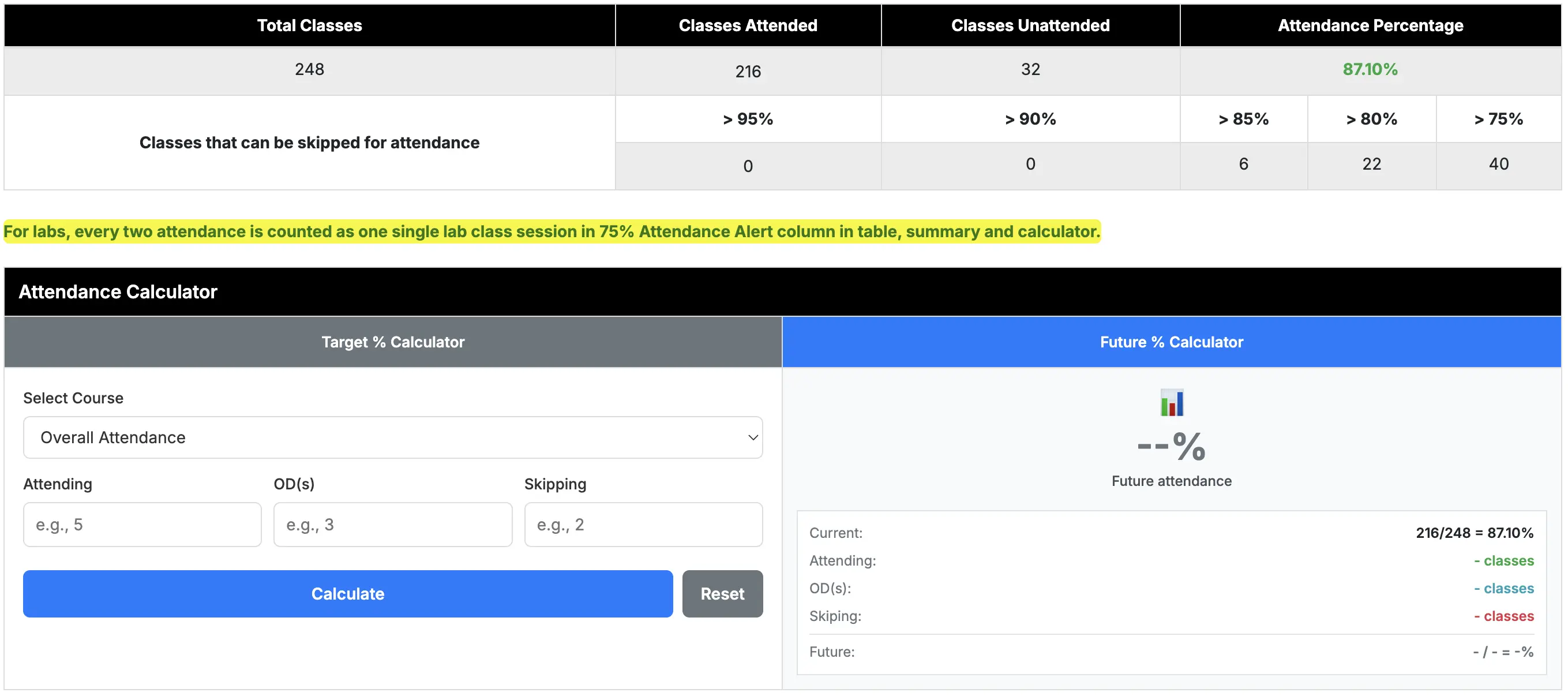
Smart Attendance
Access enhanced attendance views with skip potential, future projections, and your last 3 classes status. Includes Compact/Detailed toggle and Last Posted date.
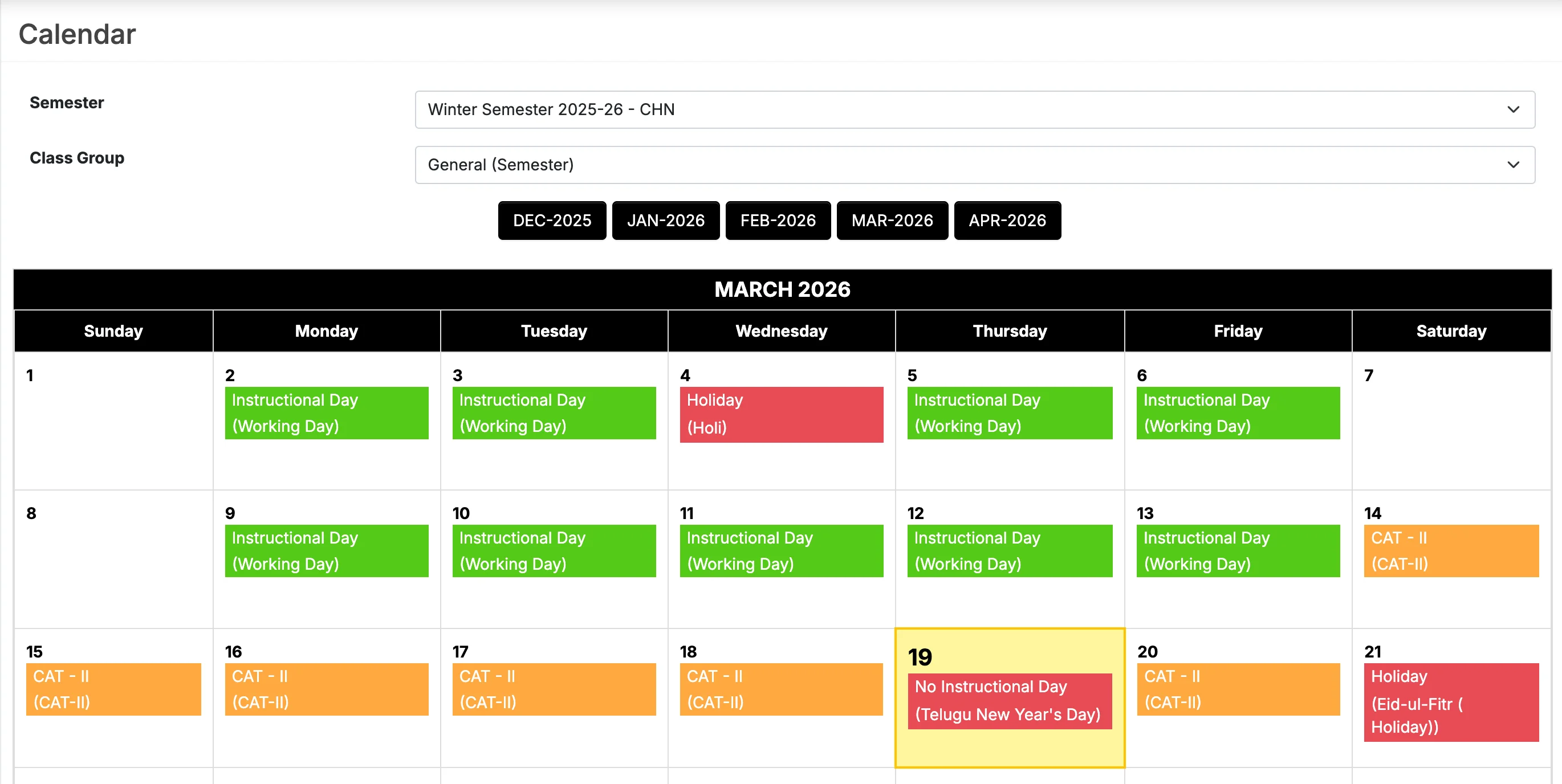
Calendar
Color-coded events and highlights today's date for quick schedule reference.
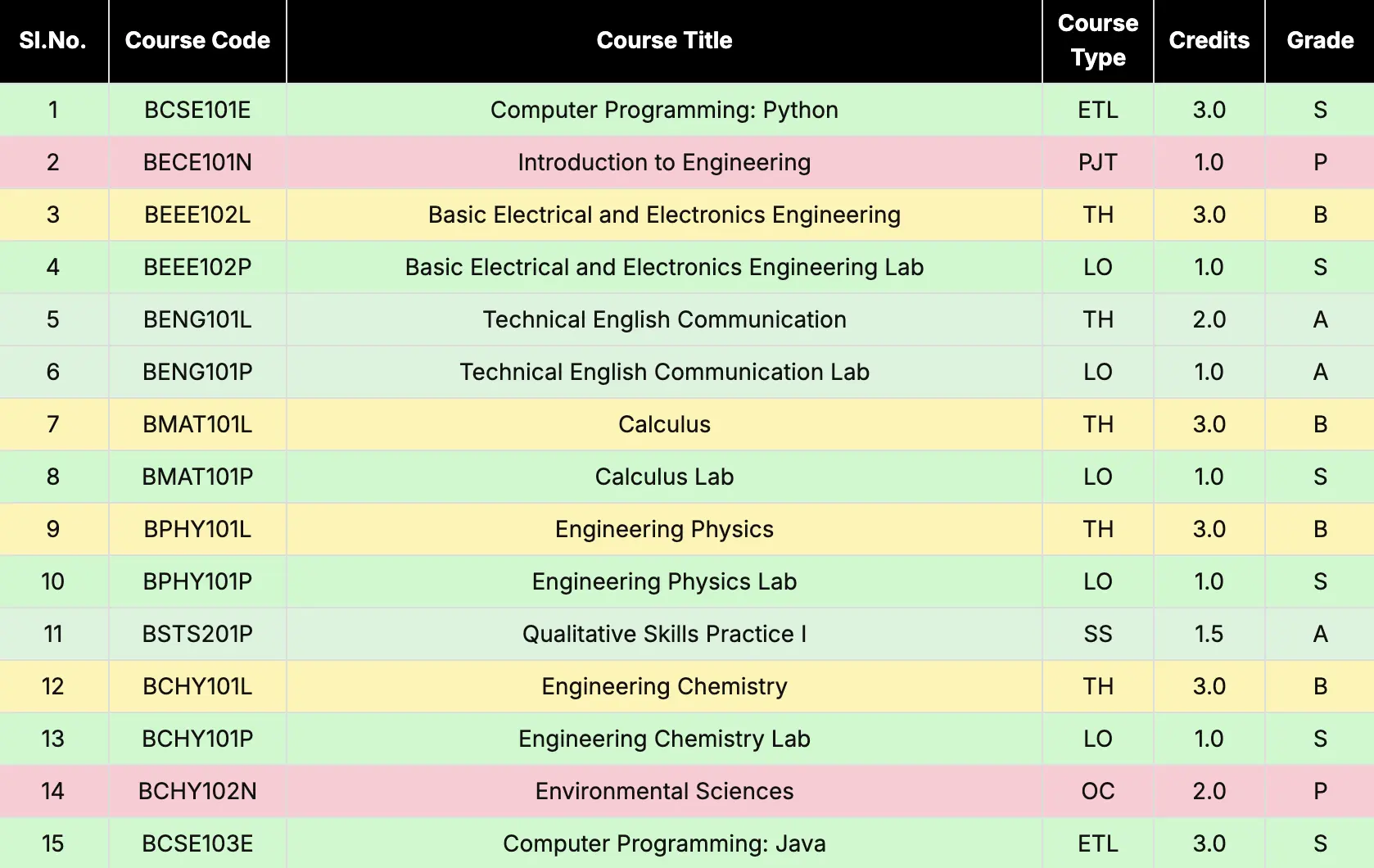
Smart Grade Highlighting
Grade History is automatically color-coded with high-contrast themes for N1-N4 and other grades for instant recognition.
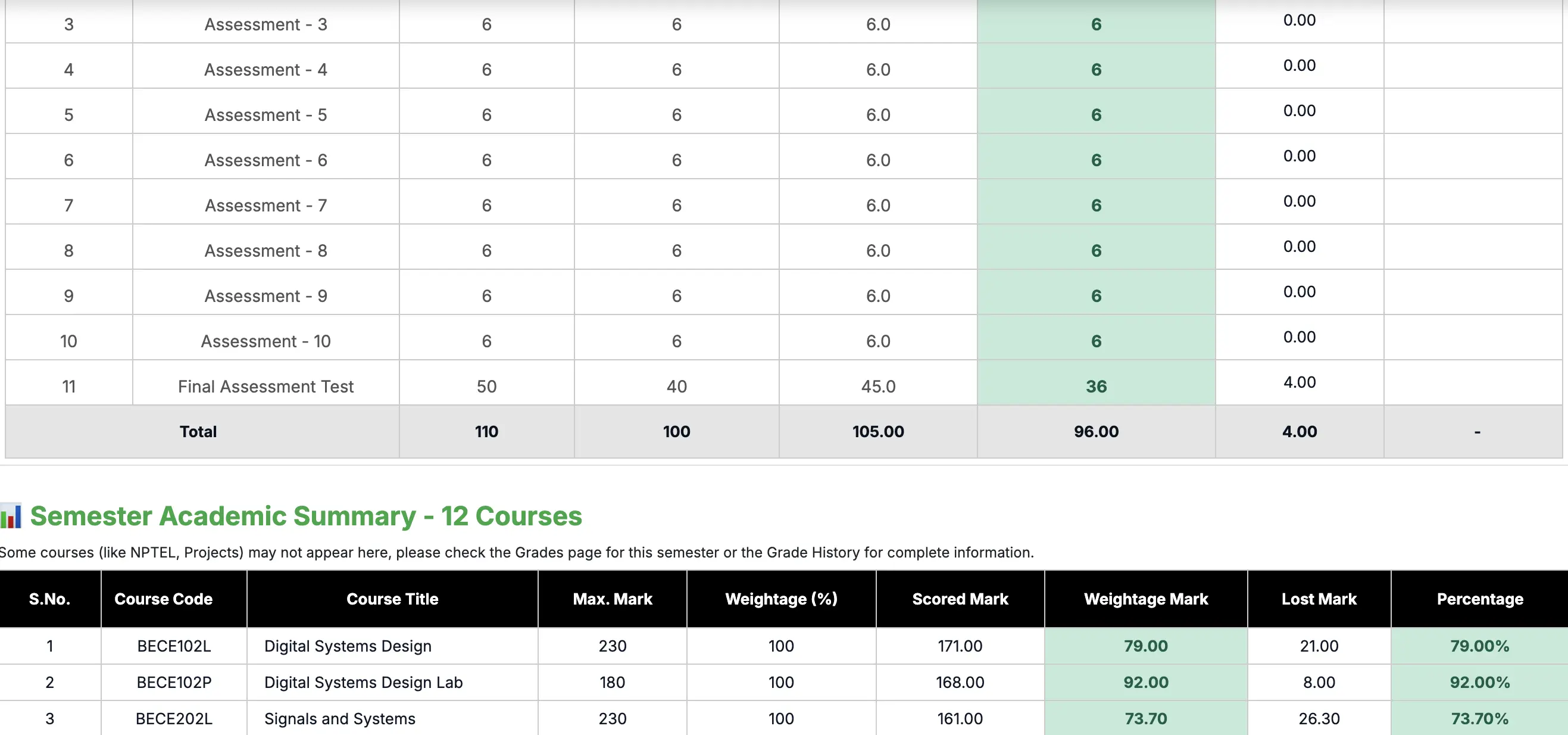
Marks Analysis
Analyze course weightage and calculate marks needed in FAT to reach your target grade based on current components.
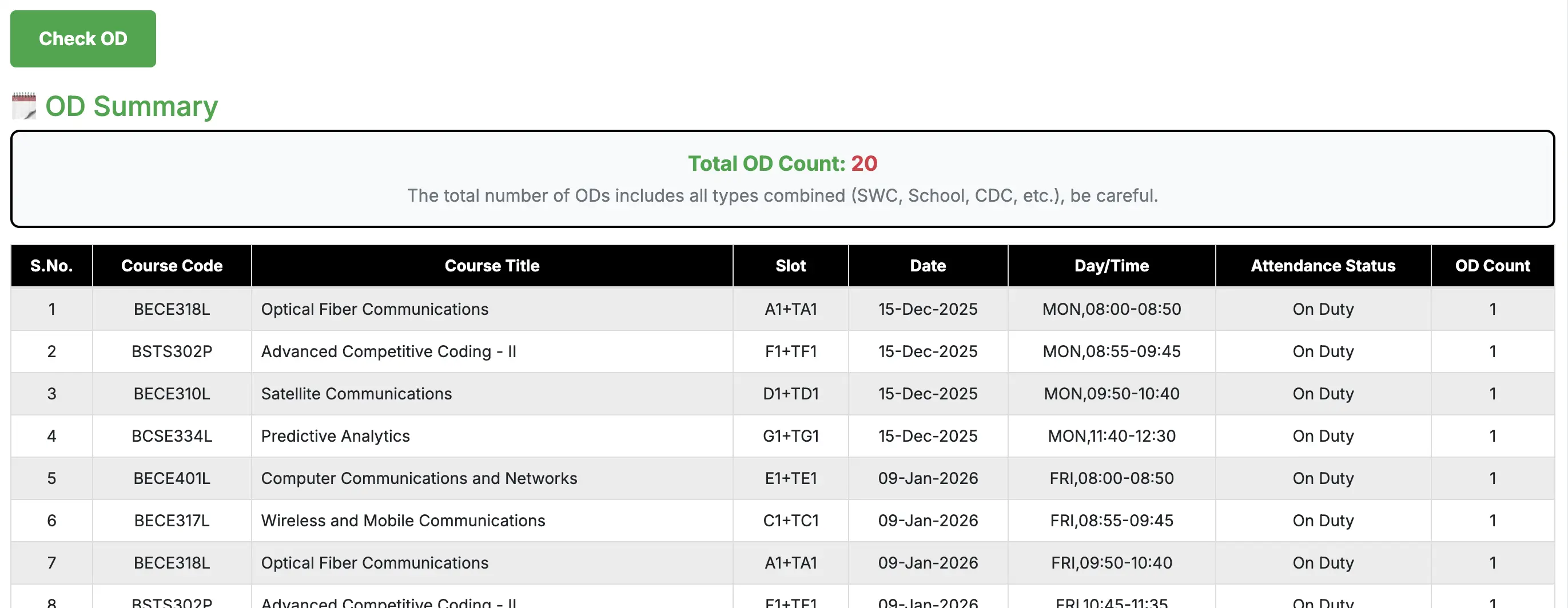
OD Summary
Track your Theory vs Lab ODs with smart counting logic and see exactly how many you have used.
Attendance Insights
Get a high-level overview of your entire semester's attendance performance and plan your leaves effectively.
Need more help?
If you encounter any issues or have questions about specific features, feel free to reach out to us on our community channels.